






For business

Your team is global. Your meetings can be too.

Kanutus lets everyone on a distributed team speak their first language in every meeting and be heard in each colleague's — in their own voice, inside Teams, Meet or Zoom. No interpreters, no bot in the call, nothing to change in how you work.

Tom, an American man with grey hair and glasses, on a video call from a wooden home office.
United StatesTom (you)EN
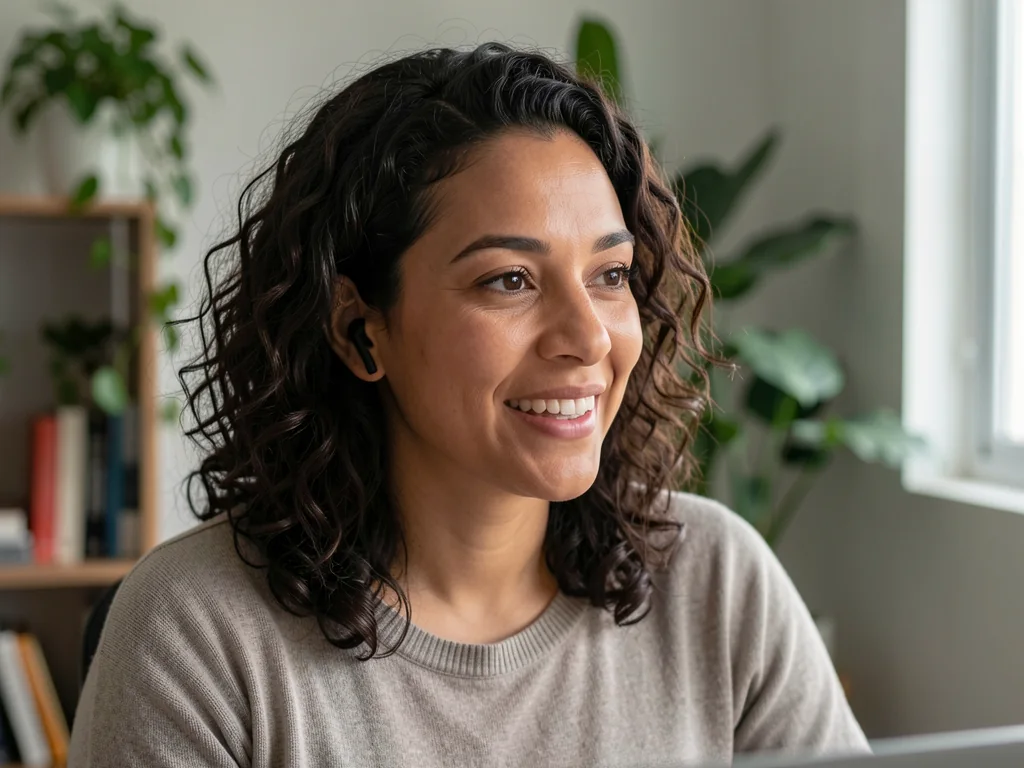
Ana, a Brazilian woman with curly hair, smiling on a video call from her home office.
BrazilAnaPT
Marcus, a Nigerian man in a navy shirt, speaking on a video call from a modern office.
NigeriaMarcusEN
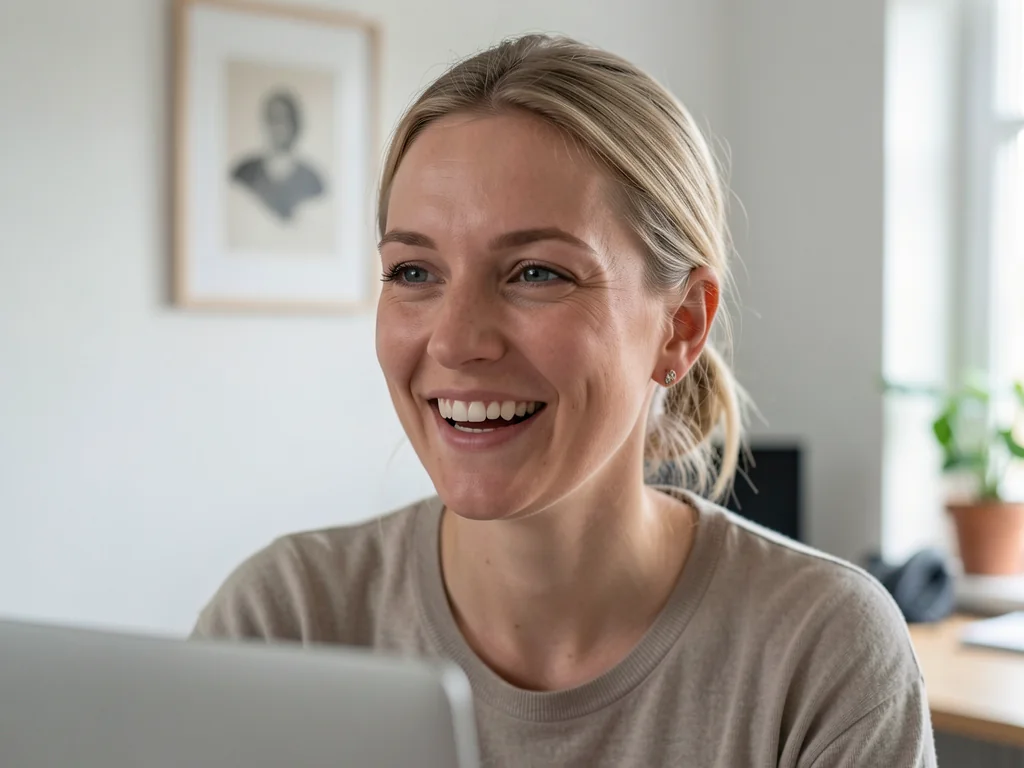
Lena, a blonde woman laughing lightly on a video call.
FranceLenaFR

Why companies choose it

Hire for the skill, not the language.

  • Hire anywhere

    Build the team from the best people in any country. Language stops being a hiring filter and a tax on every meeting.

  • Everyone takes part

    When people speak their first language, the quiet ones join in. Decisions get the input of the whole team, not only the fluent half.

  • Ready today, inside your tools

    No new platform, no bot in the meeting. Each person installs a small app on Windows, macOS or Linux; everything else stays the same.

Scenarios

Where distributed teams use Kanutus.

Concrete meetings, who speaks with whom, and what changes.

A multicultural team in a meeting room with remote colleagues on a wall screen.

Stand-ups & project meetings

Who talks
Engineering, product and operations teams spread across countries — daily stand-ups, sprint planning, retrospectives, project reviews.
The problem
Meetings default to one language. People who think in another one go quiet, updates get shorter and decisions lose their input.
With Kanutus
Everyone speaks their own language and hears the others in theirs. Participation evens out, and meetings get shorter because nobody is translating in their head.

Priya, an Indian woman with glasses, nodding on a video call.

One-on-ones & managing across borders

Who talks
Managers with reports in other countries — weekly 1:1s, feedback, performance and career conversations.
The problem
Hard conversations in a second language lose nuance; people agree with things they didn't fully understand.
With Kanutus
Each side speaks the language they think in and hears the other in theirs, in a voice that still sounds like the person. Feedback lands the way it was meant.
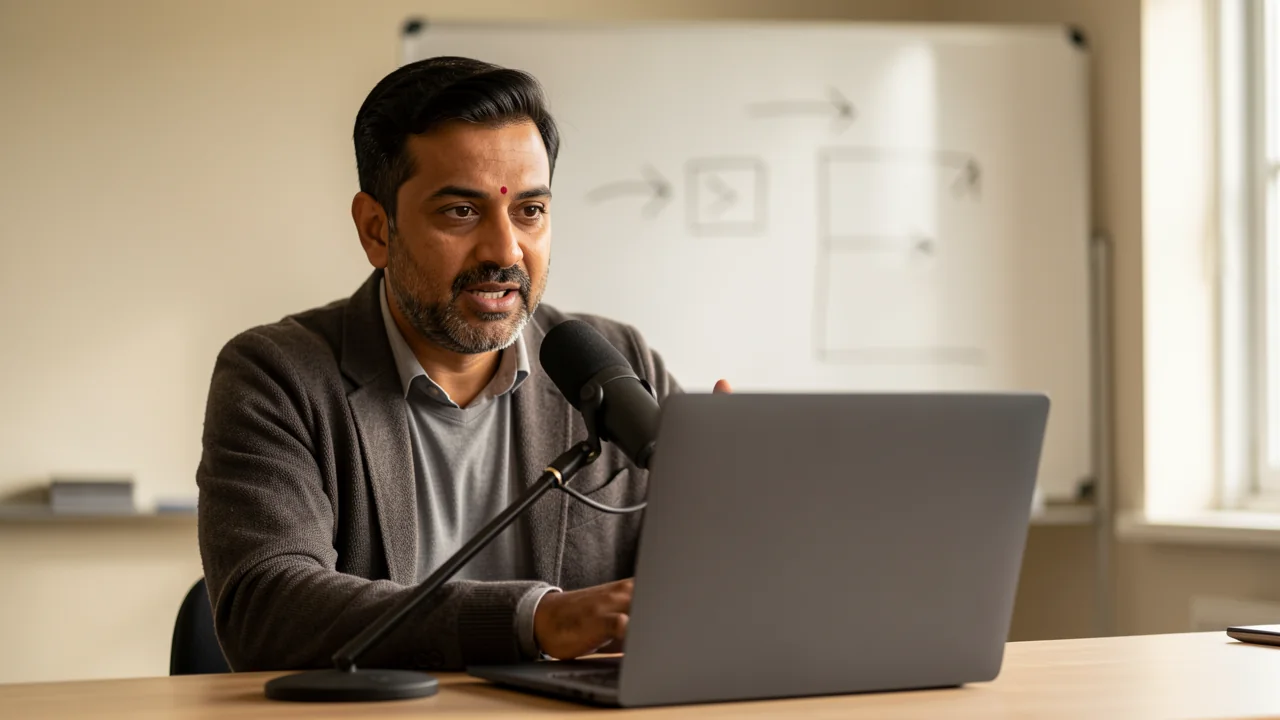
An instructor teaching an online class from a small studio with a whiteboard behind him.

All-hands, town halls & training

Who talks
Leadership and trainers speaking to the whole company — town halls, quarterly kick-offs, internal training.
The problem
One language for everyone means part of the company follows half of it; separate sessions per language multiply the effort.
With Kanutus
One live session. Each employee opens the room link and hears the speaker in their language from any browser — no account, no install. Questions come back translated.
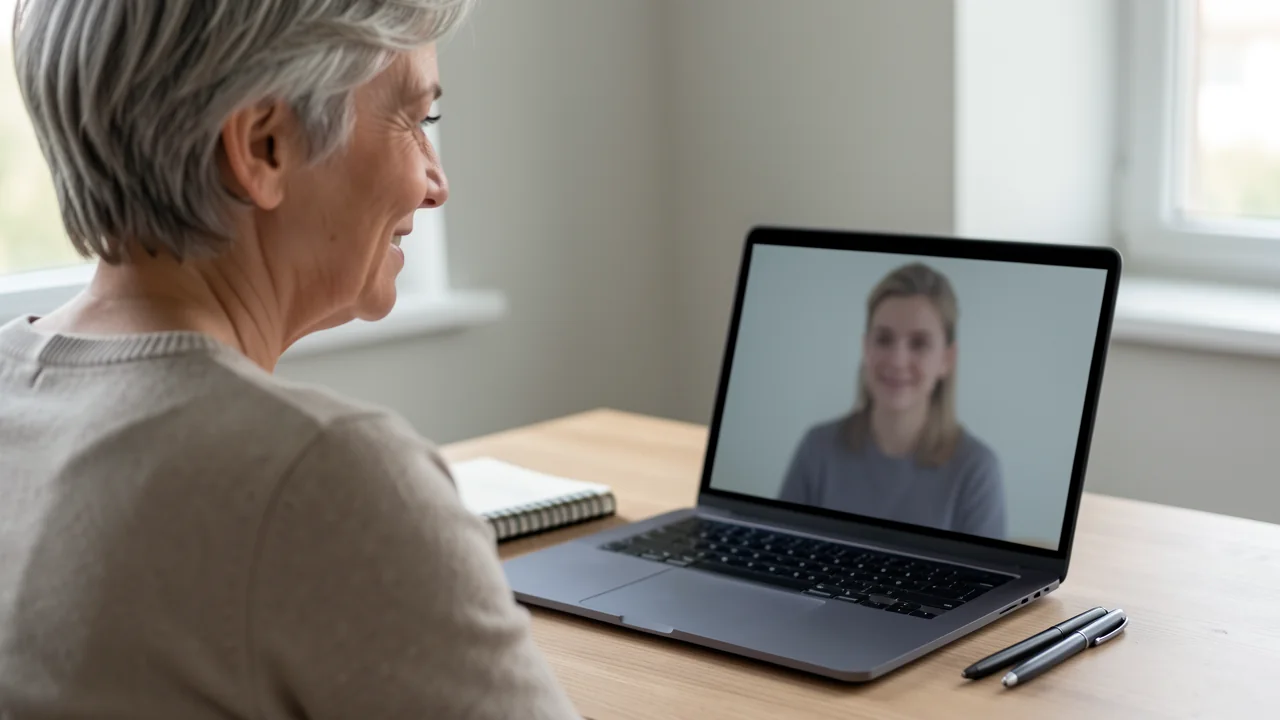
A recruiter conducting a video interview at her desk, notebook beside the laptop.

Hiring & onboarding abroad

Who talks
Recruiters, HR and managers with candidates and new hires in other countries — interviews, onboarding sessions, check-ins.
The problem
Strong candidates are filtered out by language rather than skill; onboarding in a second language takes weeks longer.
With Kanutus
Interviews and onboarding happen in each person's first language, so you assess the person and new hires ramp up faster.
A saleswoman presenting on a video call from a modern office.

Clients & partners

Who talks
Account leads, consultants and project managers with clients and partners abroad — kick-offs, demos, reviews, negotiations.
The problem
Projects slow down or go to a local competitor because the conversation feels effortful on one side.
With Kanutus
Your team speaks its strongest language while the client hears theirs. Questions and objections come back translated in real time, so the call keeps its rhythm.
A customer support agent with a headset smiling while talking at an open-plan desk.

Global support desk

Who talks
Support agents with customers in markets where you have no native speakers — phone, video or voice chat.
The problem
Tickets wait for the one agent who speaks the language; night shifts can't cover every market; outsourcing per language is costly.
With Kanutus
Any agent takes any customer. Agents answer in their own language; customers hear a natural voice in theirs and are understood when they reply.
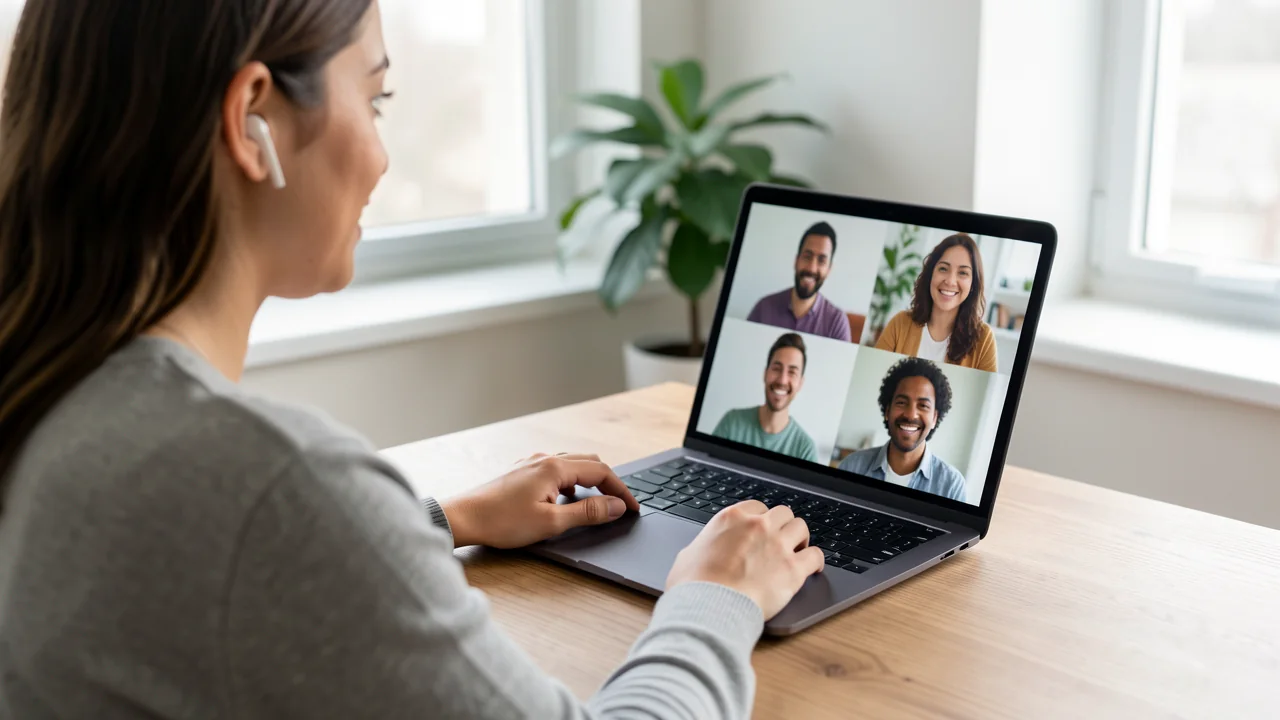
A woman at a wooden desk talking on a video call; the laptop shows four smiling faces of different nationalities.

Multilingual meetings in Kanutus Rooms

Who talks
Global teams where four or five languages share one meeting: regional reviews, cross-country squads, partner councils.
The problem
Pairwise translation breaks down when everyone speaks a different language; the group falls back to a shared language only half the room is comfortable in.
With Kanutus
Open a Kanutus Room: each person speaks their language and hears every colleague in theirs, at the same time. Chat, captions and minutes come in each person's language too.

Kanutus RoomsComing soon · Early access

Kanutus Rooms: when the meeting itself is multilingual

For meetings where nobody shares a language, Kanutus Rooms gives your team its own room — native in the desktop app and also in the browser: every participant speaks their language and hears each colleague in theirs, at the same time and in the speaker's voice. Chat is translated for each reader, captions follow each person's language and the minutes arrive in every language at the end. Guests join from a link in their browser and install nothing; anyone with the app opens the room right in it.

Create a room

Also used beyond the office

The same technology works wherever two people need each other's language on a call.

  • A doctor in a white coat holding a video consultation with a patient on her laptop.

    Healthcare

    Telehealth consultations and triage calls with patients who don't speak the clinician's language.

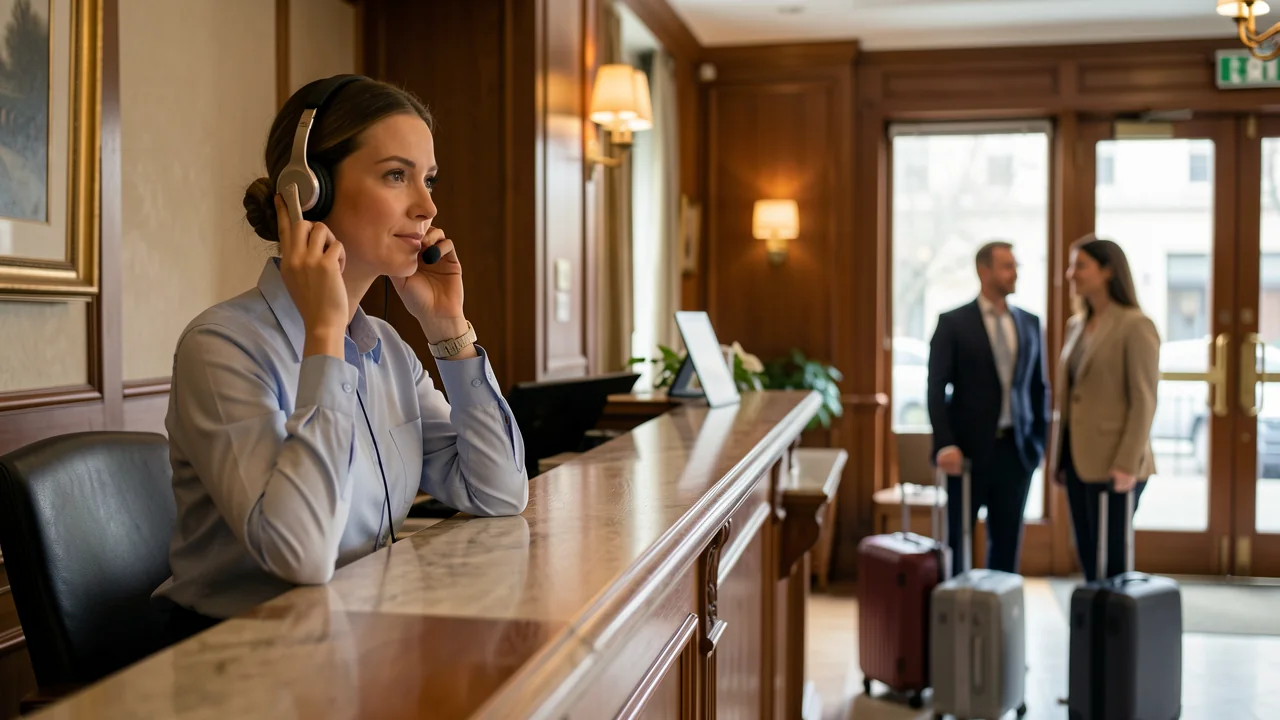
  • A hotel concierge taking a call with a headset at a warm reception desk.

    Hospitality & tourism

    Front desk and reservation teams taking calls from guests anywhere in the world.

  • A factory supervisor in a hi-vis vest on a video call from the production floor with two workers.

    Industry

    Briefings and safety training for multinational shift teams, through the room link on their phones.

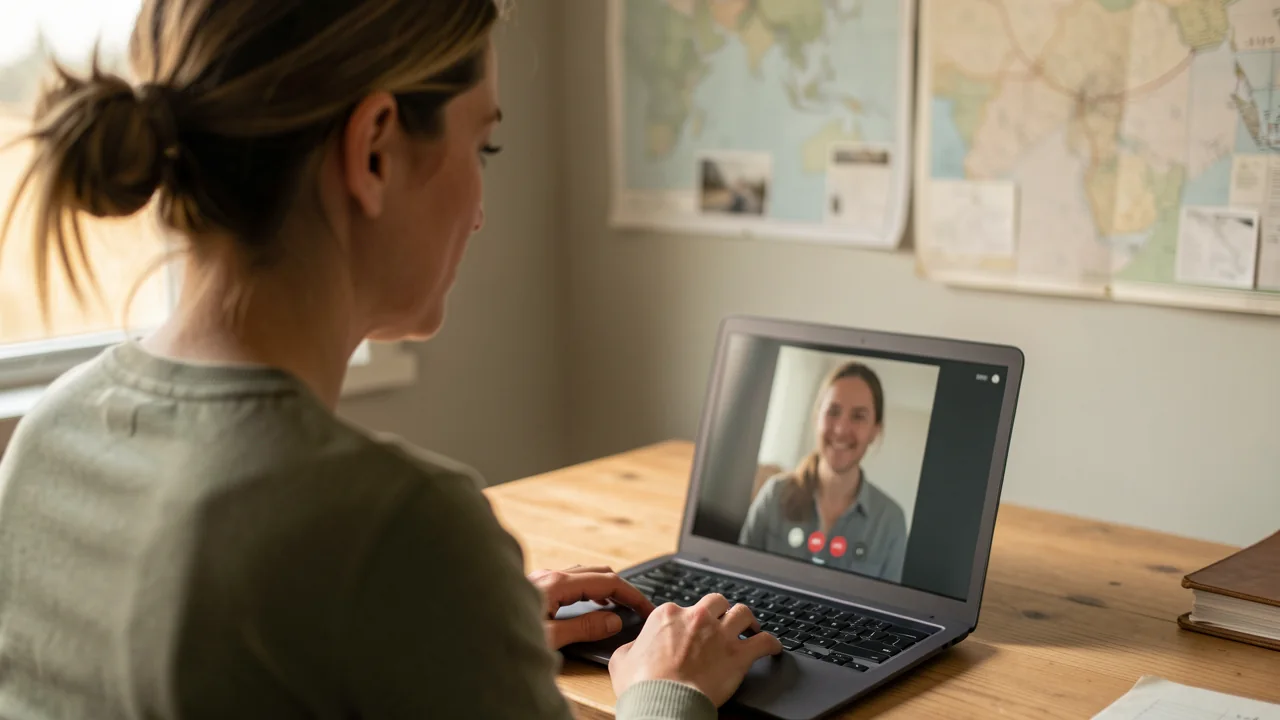
  • An aid worker on a video call from a field office with maps pinned on the wall.

    NGOs & public services

    Case workers and coordinators speaking with people in their own language from any device.

How it works for teams

Roll out in a day, manage in one place.

  • Business and Enterprise plans

    Shared minute pools, invoicing, priority processing and support with an SLA. Enterprise adds dedicated processing and custom volume.

  • Private rooms

    Each call gets its own room. Rooms can be locked to your organisation so only the people you invite can listen.

  • A link for people without the app

    Customers, patients, candidates and learners open your room link in a browser — desktop or phone — pick a language and listen. Nothing to install.

  • Administration

    Invite and remove users, set per-user limits, see usage by team and export it. Voices belong to the people who recorded them and can be deleted by them or by an admin.

See pricing →

Security & privacy

Audio is processed, never stored.

  • No recordings

    Call audio is transcribed, translated and spoken in real time. It is not stored after the session and is never used to train models.

  • Voices stay with their owners

    A voice can only be created from a person's own recording and used for their own speech. Owners can delete it at any time.

  • Encrypted in transit

    All audio and text travel over encrypted connections between the app, our servers and the room link.

  • Transparent to the room

    We ask every user to tell participants when a synthesised, translated voice is in use. Trust is the whole product.

Questions from companies

01Does every employee need the app?

Only the people who speak. Customers, patients or learners never install anything — they hear your translated voice through the call, or open the room link in a browser.

02Can we use it with our phone system?

Yes, as long as the softphone or contact-centre client runs on Windows, macOS or Linux and lets you choose a microphone. Kanutus appears as one.

03How is it priced for teams?

Business plans include a shared pool of minutes and per-user voices; Enterprise is priced on volume with an SLA. Minutes count only while someone is speaking.

04Where is the data processed?

On our servers, in real time. Audio is discarded after the session. Ask us about regional processing and data-processing agreements.

05Can we try it before committing?

Yes. Book a call and we'll run a pilot with a few seats on your real calls.

Talk to us

Let's talk about your team.

Tell us where your people are and which languages they speak. We'll show you Kanutus on a real call.

Prefer email? Email us · mailing@kanutus.com

Loading the scheduler…

Talk to sales